
Schedule Management features help you manage projects and related schedule files for viewing and analysis in Logic+.
💡The most important feature in this section is the List of Schedules. This is where you add and select the schedule files that will be loaded for viewing and analysis in Logic+.
Schedule Manager Feature Overview #
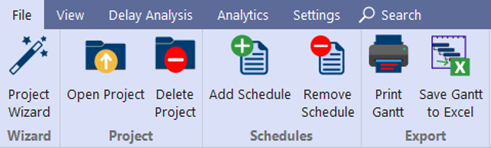
File Menu #
Use the File menu to:
- Project Wizard: Launch a guided process to create a new project and load schedule files. See Project Wizard for detailed steps.
- Open Project: Access an existing project
- Delete Project: Remove an existing project
- Add Schedule: Add a schedule to the currently open project
- Remove Schedule: Remove a schedule from the currently open project
- Print Gantt: Print the Schedule View/Gantt chart for the current baseline and schedule file
- Save Gantt to Excel: Save the Schedule View/Gant chart to Excel
➡️ Navigation: File
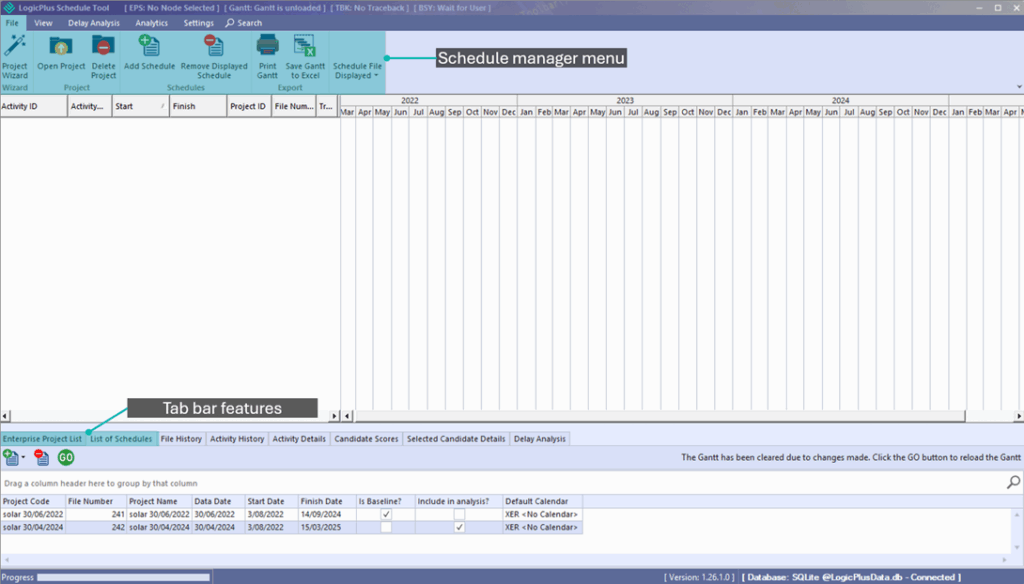
Additional Schedule Management Tabs #
Use the following tabs to further manage projects and schedule files:
- Enterprise Project List: Structure and manage your projects within Logic+. See Enterprise Project List for more detail.
- List of Schedules: Add, remove, and select schedule files for analysis. See List of Schedules for additional detail.
