
Schedule View Actions #
Selecting View in the Toolbar provides options to change how the schedule files are displayed in the Schedule Viewer:
- Group activities by WBS, Date, toggle to Expand or Collapse Group.
- Sort activities from Start to Finish
- Toggle to Zoom
- Filter Columns
- Select Gantt Labels

WBS Grouping #
Group Activities by Work Breakdown Structure and Date.
Group activities by WBS Level
Click all or one of the levels (1-9) to display the required WBS levels and activities on the Gantt chart.
➡️ Navigate: Select View > WBS > Group activities by WBS level

Note: WBS levels less than the selected WBS are included within that level of WBS upon selection.

Default: The Gantt displays all activities and WBS levels by default
Date Grouping #
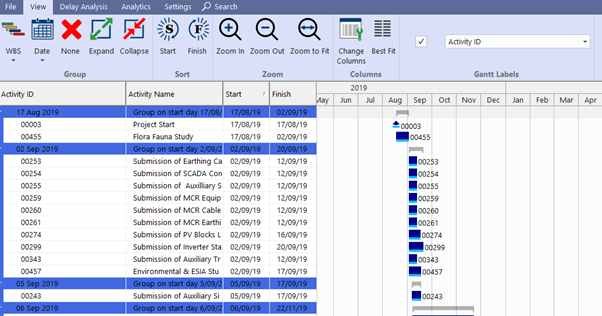
Group activities by Day, Week, Month, or Year.
➡️ Navigate: Select View> Date > Group activities by Day, Week, Month, or Year
Sort Order #
Sort activities by Start or Finish date.
Start #
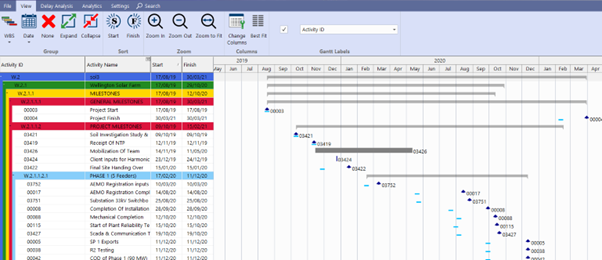
Activities are ordered based on their planned start dates.
➡️ Navigate: Select View > Sort activities by planned start dates
Finish #
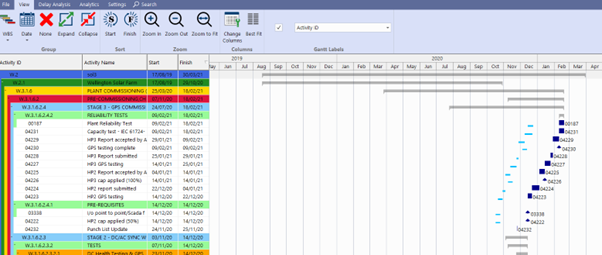
Activities are ordered based on their planned finish dates.
➡️ Navigate: Select View > Finish > Sort activities by planned finish dates
Column Chooser #
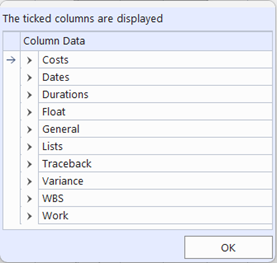
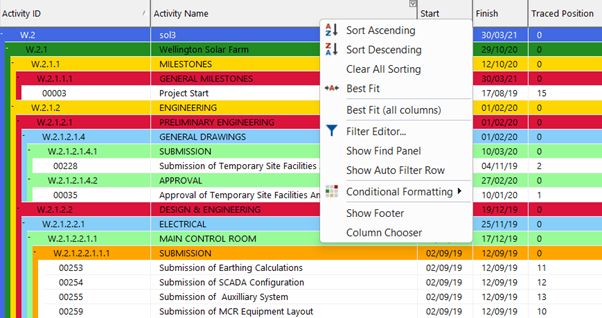
You can add a variety of columns, including custom fields for traceback. The options range from simple to complex, allowing users to customize the display to suit their needs.
➡️ Navigate: View > Select Change Columns > Select desired Column Data options > Click OK
Alternative Column Selection
➡️ Navigate: Right click on existing Gantt Headings > Select from column selection dropdown menu > Click OK
Zoom #
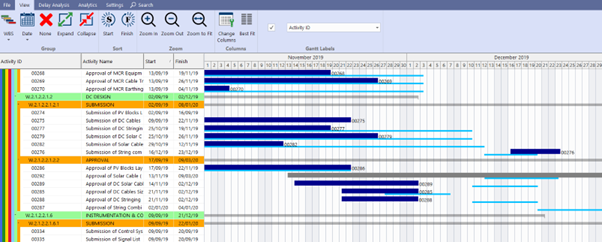
Zoom In #
Display activity schedule files from Months per Year to Days per Month
➡️ Navigate: Select View > Zoom In
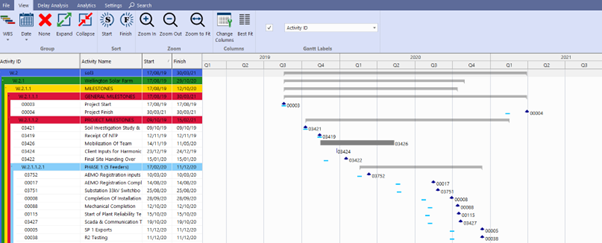
Zoom Out #
Display the activity schedule files by Yearly Quarters
➡️ Navigate: Select View > Zoom Out
Gantt Labels #
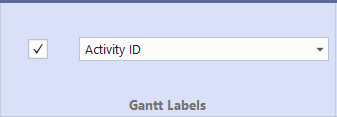
Gantt Labels default to Activity ID > Select the desired option from the Gantt Label dropdown to be displayed on the Gantt.
➡️ Navigate: Select View > Gantt Labels
Activity ID

Activity Description

