
Talk to an expert
Portal
Talk to an expert
  • Home
  • Products
    • Logic+ Software
    • SMART Technology
    • Documentation
  • About
  • Contact
  • Home
  • Products
    • Logic+ Software
    • SMART Technology
    • Documentation
  • About
  • Contact

Introduction

3
  • Logic+ Introduction
  • Quick Start Guide
  • Installation

Schedule Manager

4
  • Schedule Manager
  • Enterprise Project List
  • List of Schedules
  • Project Wizard

Schedule Viewer

5
  • Schedule Viewer
  • Schedule Viewer Actions
  • File History
  • Activity History
  • Activity Details

Analytics

2
  • Analytics Reports
  • ChartViewer Options

Delay Analysis

5
  • Delay Analysis
  • Traceback
  • Traceback Candidates
  • Delay Analysis Chart
  • Delay Analysis Dashboard

Settings

2
  • Traceback settings
  • Licence Information

Training Videos

4
  • Logic+ Overview
  • Schedule Manager
  • Schedule Viewer
  • Delay Analysis
  • Home
  • Docs
  • Logic+
  • Schedule Viewer
  • Activity Details
View Categories

Activity Details

< 1 min read

Activity Details #

In this tab, you can view key activity details, such as dates, predecessors, and resourcing.

➡️ Navigation: Bottom tab bar > Activity Details

👉 Click on an activity in the Scheduler Viewer/gantt chart to display its details.
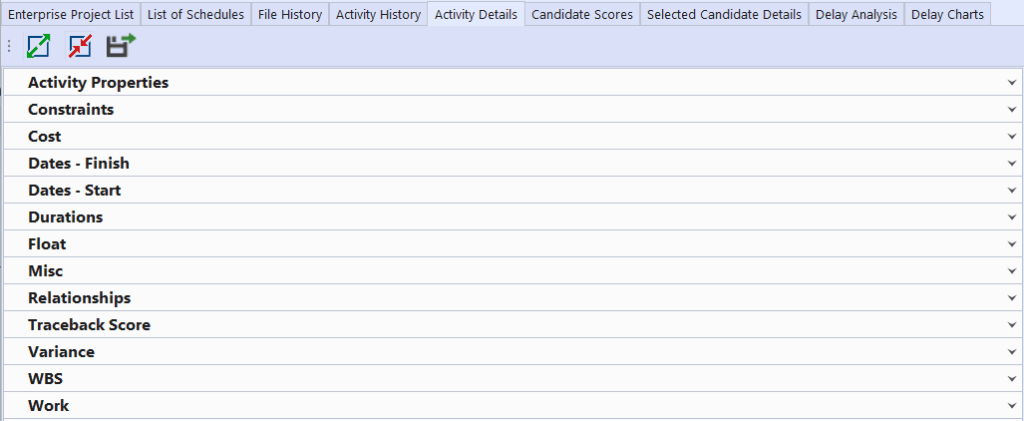
This tab is only active once a project has been loaded into the Gantt.


Still stuck? How can we help?

How can we help?

Updated on August 25, 2025
Table of Contents
  • Activity Details

Head Office

Level 7, 303 Coronation Drive
Milton QLD 4064 Australia

Home     |     Logic+     |     SMART     |     Documentation     |     Privacy Policy     |     Terms & Conditions

© 2025 LWARE Pty Ltd  |  Digital Marketing by Focused Marketing

  • Follow