Chart Export Options #
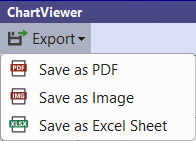
After running a report, the chart can be exported to PDF, Image or Excel Sheet.
Select ‘Export’ from the top left corner then the required ‘Save as’ option:
- Save as PDF: Save as Image: Option to save chart as PNG or JPG file.
- Save as Excel Sheet: Exports the data used to generate the chart. Use the ‘Save as PDF’ or ‘Save as Image’ if you need the chart visualisation.
Schedule File Options #
When an analytics report is run, all schedule files that are currently open will be included in the analytics.
Use the checkboxes on the top right corner of the Chart Viewer to hide/unhide files included in the chart visualisation:
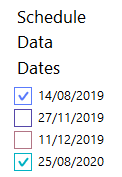
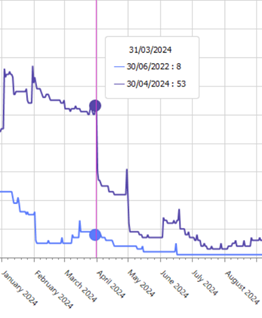
Chart Tooltips #
When viewing analytics, a tooltip will appear when you mouse hover over chart details: